
Automation tools have evolved beyond simple app-to-app connections. What once focused on moving data between tools is now shifting toward AI-assisted and agent-based workflows that can understand context, make basic decisions, and reduce repetitive work with minimal setup.
At the same time, no-code and low-code platforms have lowered the barrier to entry. Tasks that previously required technical skills can now be automated by non-technical users, small teams, and independent creators, changing how businesses approach efficiency and daily operations.
Looking ahead to 2026, automation is becoming less about executing predefined steps and more about supporting decision-making. Tools are increasingly designed to adapt, suggest actions, and work alongside users rather than simply follow rules. This guide is designed for beginners, non-technical professionals, and small teams who want to understand which automation tools are worth paying attention to as this shift continues.
How This Guide Evaluates Automation Tools
The automation landscape is changing quickly, and not every new tool is suitable for beginners or likely to remain relevant over time. To ensure this guide focuses on practical and future-ready options, each tool included here was evaluated using a consistent set of criteria.
First, priority was given to beginner accessibility. Tools were assessed based on how easy they are to understand, their user interface design, and whether non-technical users can create useful automations without prior experience.
Second, the evaluation considered the tool’s direction of AI and LLM integration. Rather than focusing on feature marketing, attention was given to whether AI is being used to simplify workflows, assist decision-making, or reduce manual setup in a meaningful way.
Third, adoption signals were reviewed. This includes visible usage among small and medium-sized businesses, teams, and in some cases enterprise environments, indicating that the tool solves real operational problems.
Fourth, the strength of the ecosystem was examined. Tools with a growing number of integrations, active communities, templates, or third-party support were favored, as ecosystems play a key role in long-term usability.
Finally, each tool was assessed for long-term relevance toward 2026. Preference was given to platforms that show clear product evolution, alignment with emerging automation trends, and the ability to grow with users as their needs become more complex.
This approach ensures the tools highlighted in this guide are not only easy to start with, but also practical to rely on as automation continues to evolve.
Category 1: No-Code Workflow Automation (Best for Getting Started)
No-code workflow automation tools are designed to help users automate repetitive tasks without writing code. These platforms typically work by connecting different applications and defining simple rules that determine when an action should occur. For beginners, this approach removes the technical complexity often associated with automation and allows useful systems to be built quickly.
Despite the rapid growth of AI and agent-based automation, no-code workflow tools remain highly relevant. They provide a reliable foundation for everyday automation tasks such as data syncing, notifications, and basic process management. In many cases, these tools now incorporate AI features to simplify setup and decision-making, making them an effective starting point for users new to automation.
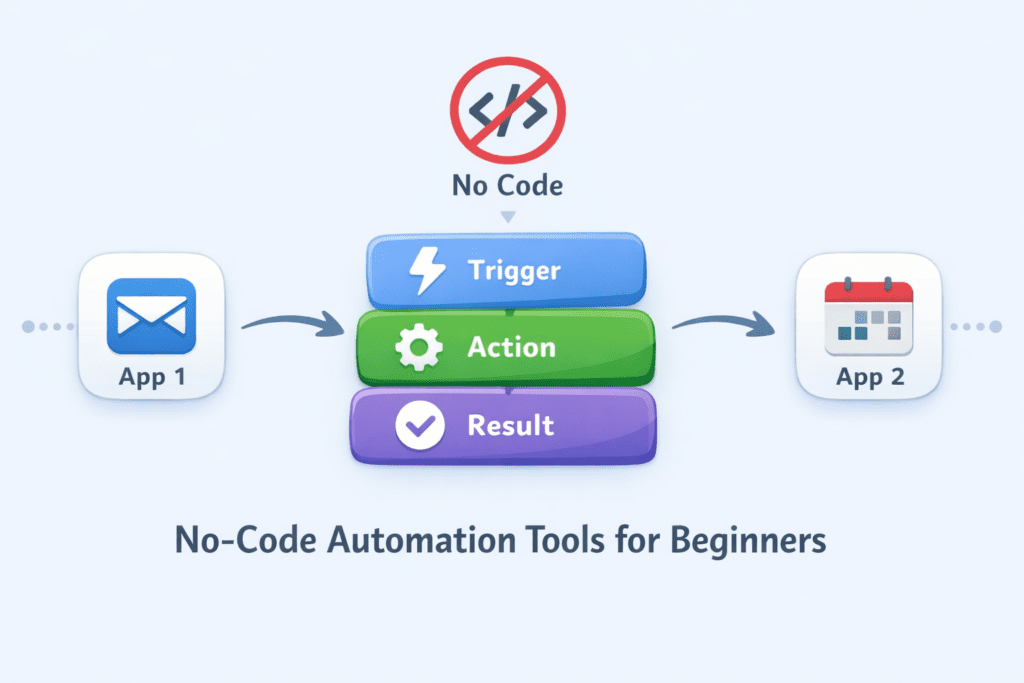
Zapier
What it does
Zapier is a no-code automation platform that connects thousands of apps using triggers and actions. When a specific event occurs in one app, Zapier can automatically perform one or more actions in other connected tools. This allows users to automate routine workflows without technical expertise.
Common beginner use cases
Beginners commonly use Zapier to:
- Automatically save form submissions into a CRM or spreadsheet
- Sync emails, contacts, or calendar events across multiple tools
- Send notifications when specific actions occur, such as new leads or completed tasks
These automations reduce manual work and help keep data consistent across platforms.]
Who should use it
Zapier is well-suited for:
- Absolute beginners who are new to automation
- Solopreneurs managing multiple tools on their own
Small businesses looking to improve efficiency without hiring technical staff
Its interface and guided setup make it accessible to users with no prior automation experience.
Why it matters in 2026
Zapier continues to evolve beyond simple task automation. AI-assisted workflow building is making it easier for users to create automations with less manual configuration. As automation becomes more common in everyday work, Zapier’s role as an entry-level automation layer is likely to remain important, especially for users who want a straightforward way to automate tasks while gradually exploring more advanced capabilities.
While Zapier is one of the easiest tools for beginners, it can become less cost-effective as automation volume increases, making it better suited for early-stage users rather than complex, high-scale workflows.
2 Make (formerly Integromat)
What it does
Make is a visual automation platform that allows users to design workflows using a drag-and-drop interface. Unlike simpler trigger-action tools, Make supports advanced logic such as branching, conditions, and multi-step processes. Users can see how data flows between apps, which provides more transparency and control over automation behavior.
Common beginner use cases
Beginners often use Make for workflows that require multiple steps or decision points, such as:
- Automating content publishing across multiple platforms with approval steps
- Collecting data from different tools and generating structured reports
- Connecting marketing tools to track campaign performance and trigger follow-up actions
These use cases help users move beyond basic automation while still avoiding code.
Who should use it
Make is suitable for:
- Beginners who are comfortable learning slightly more advanced concepts
- Users who want greater control over how workflows behave
Growth-stage small and medium businesses managing more complex processes
While the interface is visual, it rewards users who want to understand and customize logic.
Why it matters in 2026
Make plays an important role between simple automation tools and fully custom systems. As AI features are increasingly layered into automation platforms, Make’s structured workflow model allows AI-driven logic to be integrated without sacrificing control. This positioning helps it remain relevant as businesses adopt more complex, decision-assisted automation over the next few years.
Make offers significantly more control than basic automation tools, but its visual complexity may slow down users who only need simple, one-step automations.
Category 2: AI-Ready Automation Platforms (Beginner → Advanced Path)
Automation is moving beyond static, rule-based workflows toward systems that can interpret data, apply logic dynamically, and assist with decision-making. AI-ready automation platforms are designed to integrate large language models (LLMs) and AI services directly into workflows, enabling tasks such as classification, summarization, and intelligent routing.
Unlike traditional automation tools that execute predefined steps, these platforms allow workflows to adapt based on context and input. For beginners, this category represents a learning path rather than an immediate replacement for simpler tools. Users can start with basic workflows and gradually introduce AI-driven logic as their needs and understanding grow.
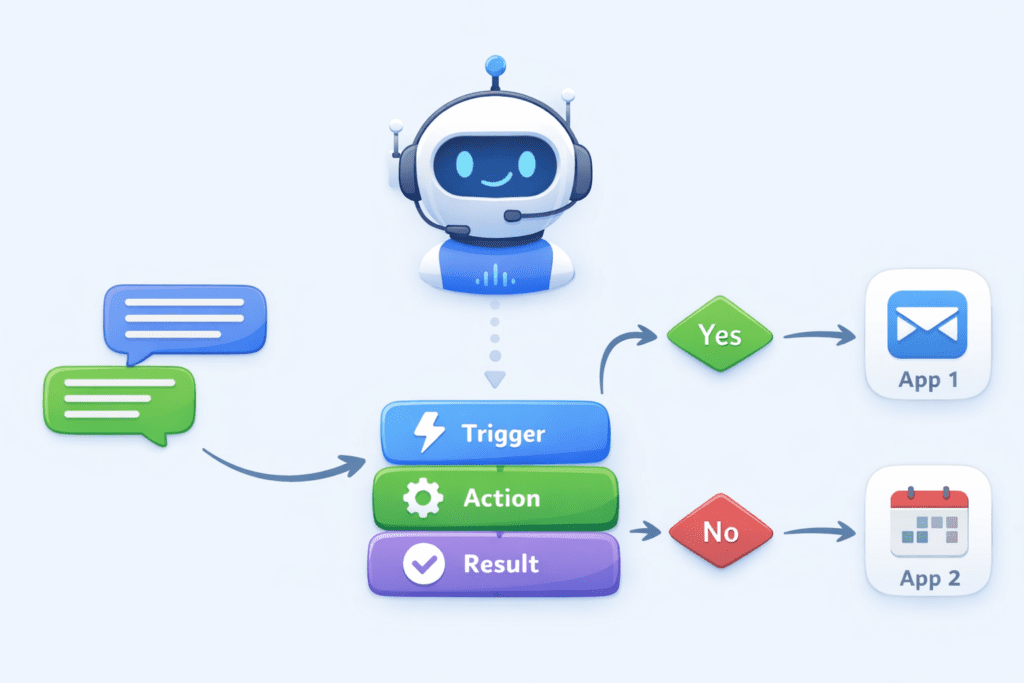
3. n8n
What it does
n8n is a workflow automation platform that supports both visual automation and advanced logic. It includes native AI and LLM nodes, allowing users to integrate language models directly into workflows. This enables tasks such as analyzing text, generating summaries, and making conditional decisions based on AI output.
Common beginner use cases
Beginners commonly use n8n for:
- AI-powered data processing, such as cleaning or categorizing incoming information
- Automated summarization of emails, documents, or form submissions
Routing tasks or messages based on AI-generated insights
These workflows introduce AI capabilities while maintaining a structured, visual approach.
Who should use it
n8n is well suited for:
- Beginners who want to build long-term automation and AI skills
- Teams experimenting with AI-assisted workflows
- Users who prefer transparency and control over how automation logic operates
While it has a steeper learning curve than entry-level tools, it offers flexibility for future expansion.
Why it matters in 2026
n8n aligns closely with emerging AI-agent architectures, where automation systems can reason, act, and adapt rather than follow fixed rules. Its open ecosystem and active community contribute to rapid growth in integrations and use cases. As AI-driven automation becomes more common, platforms like n8n are positioned to serve as a bridge between beginner-friendly workflows and advanced, agent-based systems.
Although powerful and flexible, n8n requires a greater time investment to learn, which may not suit users looking for immediate, low-effort automation results.
Category 3: AI Agent & Assistant-Based Automation
AI agent and assistant-based automation represents a shift from rule-driven workflows to intent-driven systems. Instead of defining every step in advance, users describe goals or outcomes, and AI agents determine how tasks should be completed. These systems can interpret context, prioritize actions, and assist with decisions rather than simply executing predefined rules.
For beginners, this category reduces the need to design complex workflows. Automation happens within familiar tools, guided by natural language prompts and AI suggestions. As agent-based systems mature, they are expected to become a primary way users interact with automation in daily work.
4. Google Workspace Studio (AI Agent Builder)
What it does
Google Workspace Studio enables users to build AI agents directly within Google Workspace applications such as Gmail, Docs, Sheets, and Calendar. These agents can assist with organizing information, summarizing content, and automating routine tasks across commonly used productivity tools.
Common beginner use cases
Typical beginner use cases include:
- Email triage, prioritization, and automated follow-ups
- Generating meeting summaries from calendar events and notes
- Extracting tasks and action items from documents and emails
Because these automations operate inside familiar apps, users can adopt them with minimal learning effort.
Who should use it
Google Workspace Studio is suitable for:
- Existing Google Workspace users
- Professionals and small teams managing communication and documentation
- Organizations looking to introduce AI automation without changing tools
Its tight integration with daily workflows makes it accessible to non-technical users.
Why it matters in 2026
Deep integration with Google’s Gemini models positions Workspace Studio as a core platform for agent-based productivity automation. With a large existing user base across businesses and individuals, adoption potential is high. As AI agents become more capable, this approach is likely to influence how automation is embedded directly into everyday work environments.
Google Workspace Studio works best for teams already embedded in Google’s ecosystem, and may offer limited value for users who rely heavily on non-Google productivity tools.
5. AI Assistant Platforms (Claude / Gemini with Connectors)
What they do
AI assistant platforms such as Claude and Gemini, when combined with connectors or integrations, allow users to automate tasks through natural language instructions. Instead of designing workflows or defining rules, users describe what they want to accomplish, and the assistant performs or coordinates the necessary actions across connected tools and data sources.
Common beginner use cases
Beginners often use these platforms for:
- Generating research summaries from documents, web content, or notes
- Organizing files and information across workspaces
- Drafting emails, reports, or content based on the provided context
These tasks require minimal setup and rely primarily on conversational interaction.
Who should use them
AI assistant platforms are well-suited for:
- Content creators managing research and writing workflows
- Freelancers handling varied tasks across multiple clients
- Knowledge workers who work primarily with documents and information
They are particularly useful for users who prefer instructions over configuration.
Why they matter in 2026
These platforms represent a shift toward automation through conversation. As language models improve and integrations expand, assistants are increasingly capable of performing multi-step tasks without traditional workflow builders. This significantly lowers the barrier to automation, making AI-driven assistance accessible to users who may never adopt visual or rule-based automation tools.
AI assistants reduce setup friction dramatically, but they offer less predictability and fine-grained control compared to traditional workflow-based automation.
Category 4: Data-Centric Automation for Teams
As automation becomes more intelligent and flexible, structured data remains a critical foundation for scalable systems. While AI can interpret unstructured information such as text and documents, reliable automation still depends on well-organized data to track status, enforce consistency, and support collaboration.
Data-centric automation tools focus on using tables, records, and defined fields as the source of truth. This approach allows teams to automate processes that require clarity, repeatability, and visibility. For beginners and growing teams, these platforms help bridge everyday work and more advanced automation without sacrificing control.
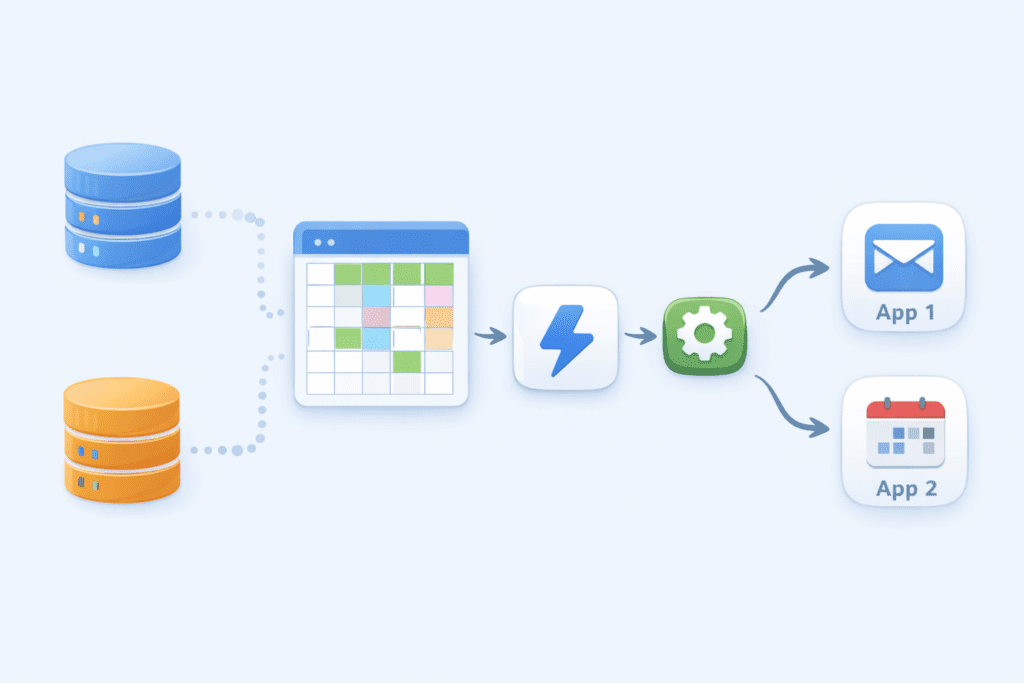
6. Airtable Automations
What it does
Airtable Automations allows users to trigger actions based on changes in structured data tables. By combining database functionality with built-in automation, Airtable enables workflows such as record updates, notifications, and integrations with other tools, all driven by clearly defined data fields.
Common beginner use cases
Beginners commonly use Airtable Automations for:
- Project tracking workflows that update statuses and notify stakeholders
- Managing content calendars with automated reminders and publishing steps
- CRM-style workflows for tracking leads, contacts, and follow-ups
These use cases benefit from Airtable’s balance of flexibility and structure.
Who should use it
Airtable Automations is well-suited for:
- Teams coordinating work across shared data
- Creators and small businesses managing repeatable, structured processes
- Users who want automation tightly coupled with their data model
Its spreadsheet-like interface makes it approachable for non-technical users.
Why it matters in 2026
Airtable is positioned at the convergence of databases, automation, and AI. As AI features are increasingly applied to structured data, Airtable’s role in operational workflows is expected to grow. This makes it a strong foundation for teams that want to build reliable automation systems while remaining adaptable to future AI-driven capabilities.
Airtable Automations are highly effective when workflows depend on structured data, but they may feel restrictive for teams managing largely unstructured or ad-hoc tasks.
Category 5: Cost-Focused Automation for Beginners and Small Businesses
Not all users need advanced AI agents or complex workflows. For beginners, solopreneurs, and small businesses, cost, simplicity, and reliability often matter more than cutting-edge features. Cost-focused automation tools aim to provide essential workflow automation at a predictable price, making automation accessible without long-term financial commitment.
These platforms typically focus on common app integrations and straightforward automation scenarios. While they may adopt AI features more gradually, they remain valuable for users who want to automate everyday tasks efficiently.
7. Pabbly Connect
What it does
Pabbly Connect is a no-code automation platform that allows users to connect apps using triggers and actions, similar to entry-level workflow automation tools. It supports multi-step workflows and common integrations needed for business operations such as payments, forms, email tools, and CRMs.
Common beginner use cases
Typical beginner use cases include:
- Connecting payment tools to email or CRM systems
- Automating form submissions and lead capture
- Syncing customer data across sales and support tools
These workflows focus on reducing manual data entry and improving consistency.
Who should use it
Pabbly Connect is suitable for:
- Beginners exploring automation with budget constraints
- Solopreneurs managing basic business workflows
- Small businesses seeking predictable, cost-controlled automation
Its pricing structure makes it attractive for users who want long-term usage without escalating costs.
Why it matters in 2026
As automation becomes more common, affordability remains a key factor for widespread adoption. Pabbly Connect’s focus on essential automation and cost efficiency positions it as a practical option for users who prioritize value over advanced AI capabilities. It is likely to remain relevant as a stable entry point for automation, especially for small-scale operations.
Pabbly Connect is appealing from a cost perspective, though its interface and ecosystem depth may feel less refined than higher-priced automation platforms.
8. Emerging Tool to Watch (Optional)
Some automation tools are still in an early stage, but reflect where automation is heading. These platforms are not yet essential for most beginners, but they offer insight into how agent-based automation may evolve over the next few years. This section highlights one such tool that is worth monitoring rather than immediately adopting.
8. Lindy.ai
What it does
Lindy.ai provides AI agents designed to automate tasks such as email handling, scheduling, and basic customer support. Instead of relying on predefined workflows, these agents operate based on intent, responding to incoming requests and performing actions autonomously within connected systems.
Who it’s for
Lindy.ai is most suitable for:
- Early adopters interested in experimenting with AI agents
- Small and medium businesses exploring agent-based automation
- Users are comfortable testing evolving tools rather than relying on mature platforms
It is not currently optimized for users seeking stable, long-term automation infrastructure.
Why it’s worth watching
Lindy.ai’s agent-first design reflects a broader shift toward autonomous task execution. While its ecosystem is still developing, the platform highlights how future automation may move away from manual configuration toward goal-driven agents. For readers interested in long-term automation trends, Lindy.ai provides a useful example of where the space may be heading by 2026 and beyond.
Lindy.ai demonstrates the potential of agent-first automation, but its early-stage ecosystem means it is better suited for experimentation rather than mission-critical workflows.
Across all automation categories, the key trade-off in 2026 is simplicity versus control. Beginner tools optimize for speed and ease, while AI-ready platforms reward users who invest time in understanding how automation systems work.
9. How Beginners Should Choose the Right Automation Tool
Choosing an automation tool as a beginner is less about finding the “best” platform and more about matching the tool to your current needs and learning capacity. Automation tools vary widely in complexity, cost, and long-term flexibility. Evaluating a few practical factors can help beginners make a confident and sustainable choice.
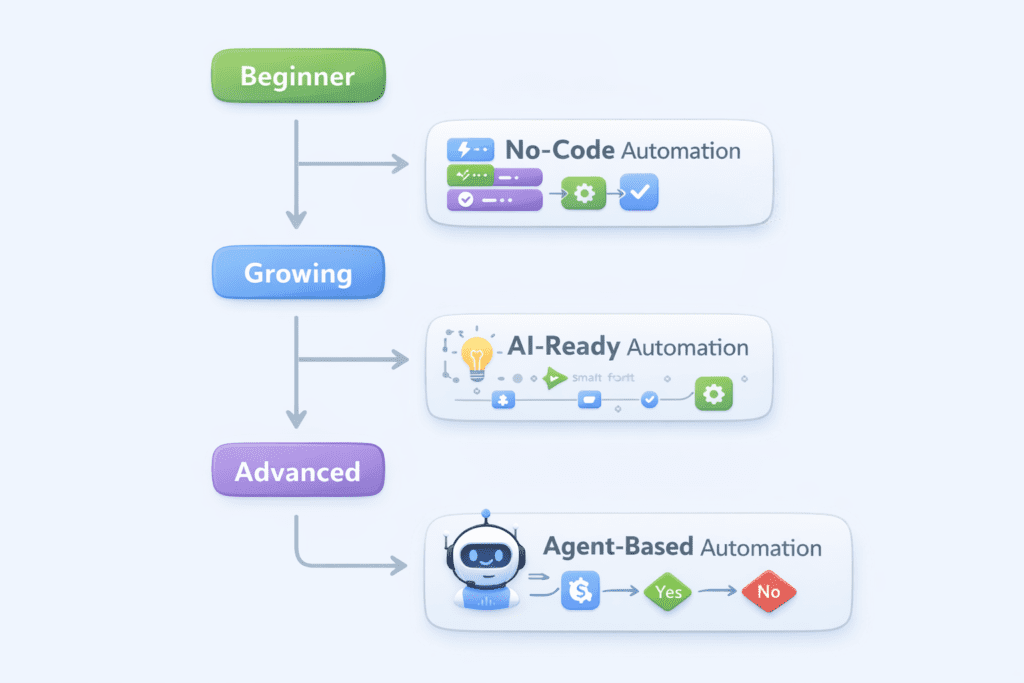
Key Decision Factors
Skill level
Beginners should start with tools that offer clear interfaces, templates, and guided setup. Visual builders and natural language interfaces reduce the learning curve. More advanced platforms are better suited for users who are willing to invest time in understanding logic and workflow design.
Number of apps used
The more tools you rely on, the more important integration coverage becomes. Users working with only a few core apps can start with simple automation platforms, while those managing many tools may benefit from more flexible workflow systems that support complex data flows.
Need for AI decision-making
Not all automation requires AI. If your workflows involve clear rules and repetitive tasks, traditional automation is often sufficient. AI-ready platforms become valuable when tasks involve interpretation, summarization, prioritization, or conditional decisions based on context.
Budget constraints
Automation should reduce effort, not create financial pressure. Beginners should consider pricing models carefully, including limits on workflows or task volume. Cost-focused tools can be a practical starting point before investing in more advanced platforms.
Long-term learning goals
Some tools are designed for immediate simplicity, while others support gradual progression into advanced automation and AI integration. Beginners who want to build long-term skills may choose platforms that allow both basic and advanced workflows as their needs evolve.
Simple Decision Framework (Beginner-Oriented)
- If you want fast setup and minimal learning: start with no-code workflow tools
- If you want more control and multi-step logic: choose visual workflow platforms
- If you want AI-assisted decisions and future flexibility: explore AI-ready automation tools
- If you prefer natural language over configuration: use AI assistant-based automation
If cost is a major concern: begin with budget-friendly automation platforms
This approach helps beginners adopt automation at a comfortable pace while staying prepared for future advancements.
Future Outlook:
What Automation Will Look Like in 2026. By 2026, automation is expected to move beyond isolated workflows toward systems that operate with greater context, autonomy, and adaptability. The tools discussed in this guide reflect a broader shift in how automation is designed and used, especially for non-technical users.
From workflows to AI agents,
Traditional automation relies on predefined steps and conditions. While this approach remains effective for structured tasks, AI agents introduce a different model. Instead of executing fixed workflows, agents work toward goals, deciding how and when tasks should be completed. This shift allows automation to handle more complex, variable scenarios without requiring users to manually define every rule.
Natural-language automation is becoming standard
Automation is increasingly controlled through natural language rather than visual builders or rule sets. Users can describe intent—such as organizing information or responding to requests—and the system determines the necessary actions. As language models improve, this interaction model is likely to become the default entry point for automation, particularly for beginners and knowledge workers.
Blending of automation, data, and intelligence.
Future automation platforms are converging around three core elements: structured data, workflow execution, and AI-driven reasoning. Instead of separate tools for databases, automation, and AI, platforms are combining these capabilities into unified systems. This integration enables more reliable automation while allowing AI to operate within clear data boundaries.
Fewer tools, deeper capabilities
Rather than using many specialized tools, users are likely to rely on fewer platforms that offer broader functionality. Automation tools are expanding to include AI assistance, data management, and agent-based execution within a single environment. This consolidation reduces complexity and makes automation more accessible to individuals and small teams.
Expert Perspective
Automation in 2026 will be defined less by how workflows are built and more by how effectively tools understand intent and context. For beginners, this means automation will feel more like collaboration with intelligent systems rather than configuration of technical rules. The most valuable tools will be those that simplify complexity without removing transparency or control.
Conclusion: Expert Perspective on Beginner Automation
Automation does not require complex tools or technical expertise to get started. For beginners, the most effective approach is to focus on solving small, repeatable problems using tools that are easy to understand and apply. Simple automation, when used consistently, can deliver meaningful gains in efficiency and clarity.
The most valuable automation tools are those that grow with the user. Platforms that support both basic workflows and more advanced capabilities allow beginners to build confidence first and expand gradually. This progression matters more than adopting the most advanced technology early on.
Learning automation now creates long-term leverage. Beyond saving time, automation teaches users how systems interact, how data flows, and how decisions can be supported by technology. These skills remain relevant even as specific tools evolve or change.
By 2026, the advantage will belong to those who understand how automation systems work rather than those who rely on individual tools alone. As AI and automation become more deeply integrated into everyday work, foundational knowledge will enable users to adapt, evaluate new platforms, and apply automation strategically. For beginners, starting today is less about keeping up and more about building durable capability for the future.
Q1. What is the best automation tool for beginners in 2026?
For most beginners, no-code tools like Zapier or Airtable Automations offer the easiest entry point due to their simple interfaces and wide integrations.
Q2. Do beginners need AI-powered automation tools?
Not always. AI-powered tools become useful when tasks involve summarization, decision-making, or handling unstructured data. Many beginners can start with traditional automation and add AI later.
Q3. Are AI agents replacing traditional automation tools?
AI agents are expanding what automation can do, but traditional automation remains essential for structured, repeatable workflows.
Q4. Which automation tool is best for small businesses?
Small businesses often benefit from tools that balance ease of use, cost, and scalability, such as Make, Airtable Automations, or Pabbly Connect.